·Redi K.·1 min read
Ergonomics at Home: Furniture That Supports the Body
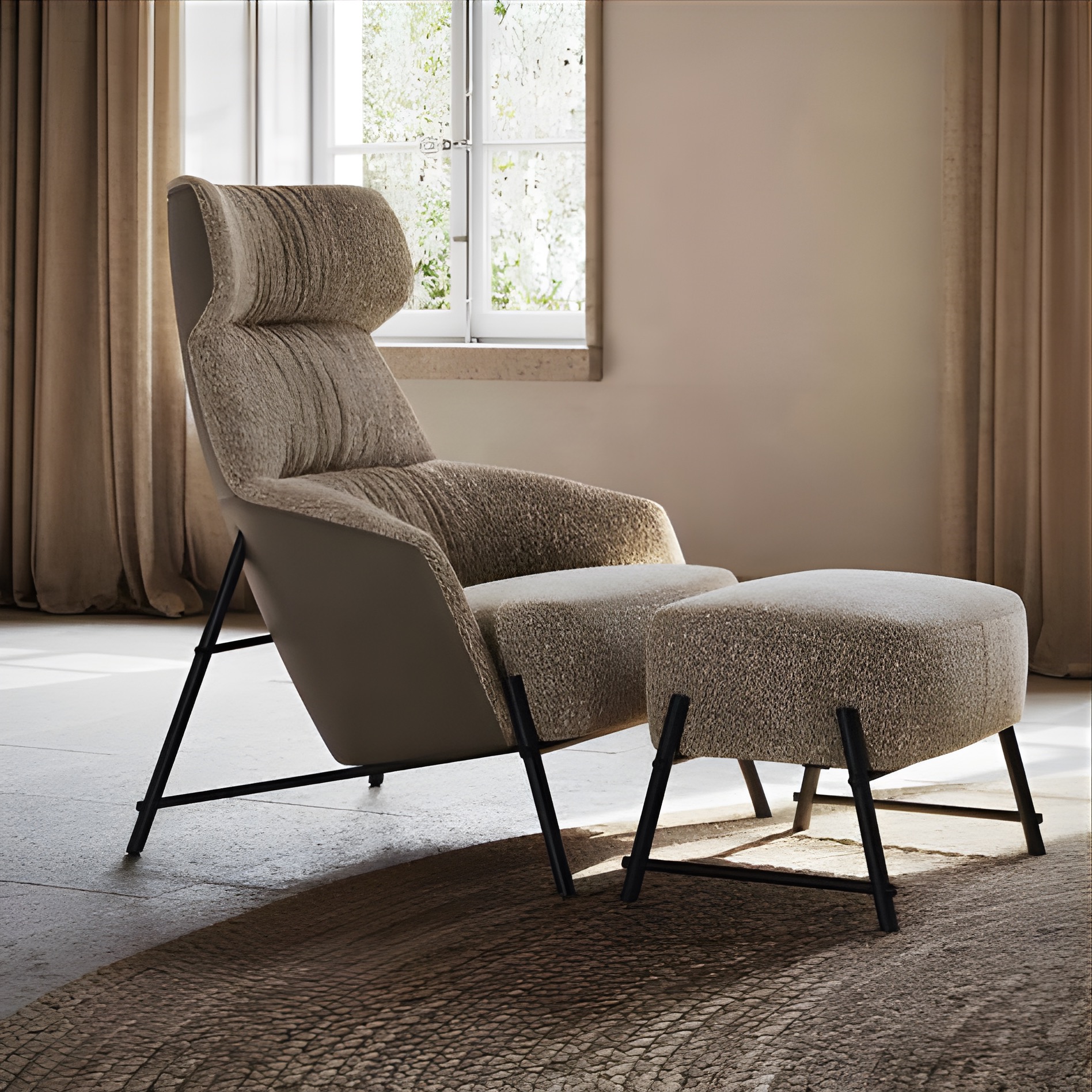
Ergonomics does not come from one “special” chair. It comes from the relationship between the body, chair, desk, screen, and the time spent without moving.
The aim is a comfortable position that can change throughout the day. Even a good setup becomes tiring when held for hours.
Adjust the chair from the floor upwards
- Support both feet fully on the floor or on a footrest.
- Leave a little space between the front of the seat and the back of the knee.
- Use lumbar support without forcing the back into an exaggerated curve.
- Keep the shoulders relaxed and elbows close to the body.
Fit the desk to the arms
While typing, forearms should rest lightly without lifting the shoulders. If the desk is too high, raise the chair and add a footrest. If it is too low, a different desk is usually better than working in a bent posture.
Position the screen to reduce strain
Keep the primary screen in front rather than continually to one side. Adjust distance and height until text is clear without pushing the head forward. For prolonged laptop use, a stand with a separate keyboard and mouse offers more adjustment.
Movement is part of the setup
- Change position regularly.
- Stand for short tasks instead of completing everything seated.
- Place the printer, water, or storage at a distance that invites movement.
- Alternate focused work with brief breaks for the eyes and body.
Before buying work furniture
Try the chair for longer than a few seconds. Check its adjustment range, stability, seat depth, and whether the arms fit beneath the desk. Measure the space and plan cables, light, and storage together with the desk.
A correctly sized desk and considered storage can make it easier to change position throughout the day.
Explore workplace solutions →